Inputs & routing
See channel names and source information alongside input routing blocks. Review local inputs, AES50 and card/USB assignments where the scene exposes them.
FEATURES / INSIDE THE SCENE
Bring channels, routing and assignments into one readable reference. Built for the practical questions sound engineers ask before a show.
See channel names and source information alongside input routing blocks. Review local inputs, AES50 and card/USB assignments where the scene exposes them.
Review bus assignments and matrix routing for monitor mixes, sends and output feeds. Keep the scene’s assignments together in your documentation.
See which sources are assigned to outputs, with source type and tap-point information where available. Check the file against your intended patch.
Document group membership so another engineer can understand which channels are controlled together. DCA groups control levels; they are not audio buses.
Review the FX slots and the parameters exposed by the parser. Give processors and their settings a place in the report alongside the rest of the scene.
Review personal-monitor output assignments, source types and tap points where exposed. Block-level assignments are reported when individual outputs are not available.
REVIEW BEFORE EXPORT
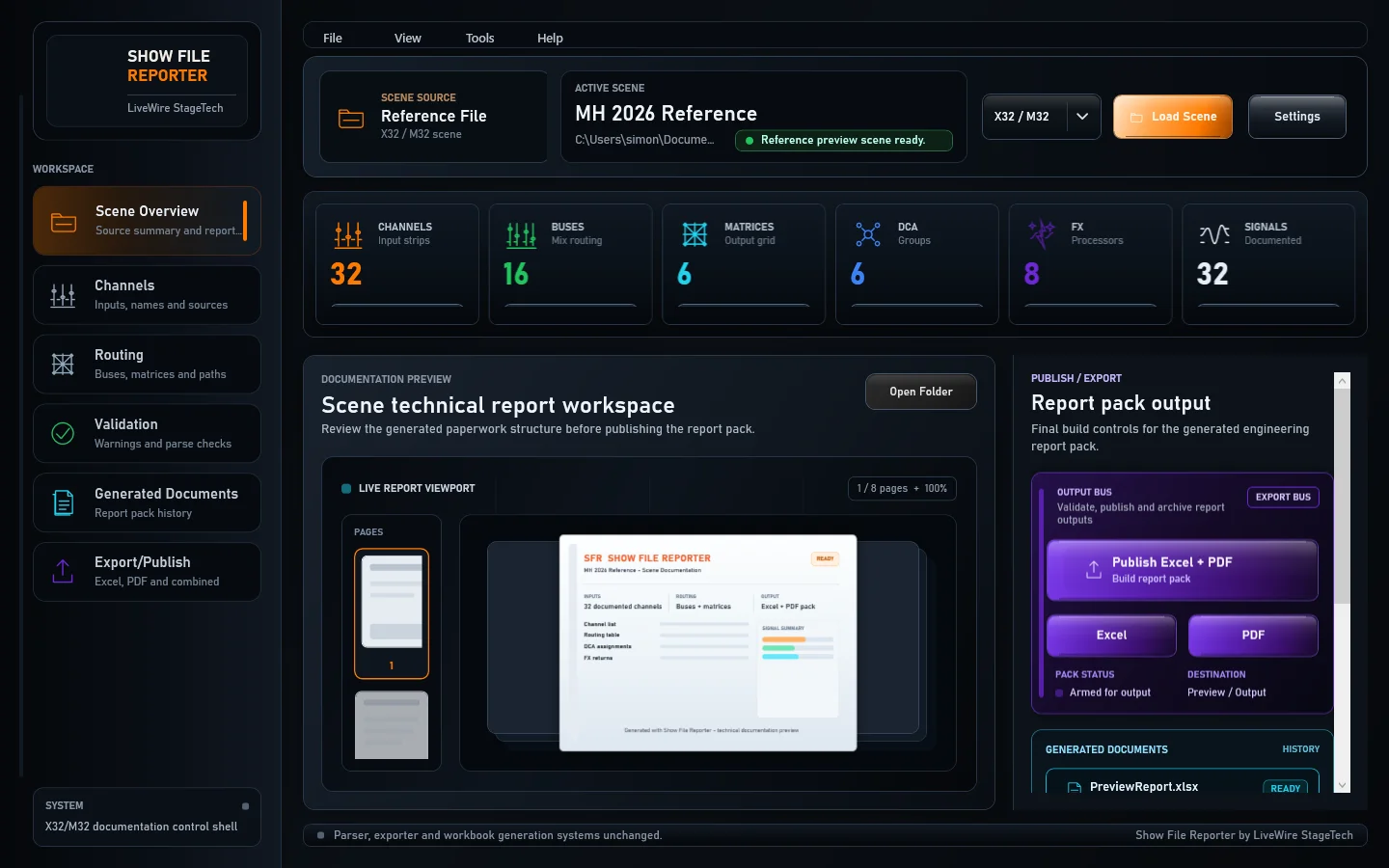
The Validation workspace groups information, warnings and errors for scene parsing, channels, routing and export readiness.
Review warnings with engineering judgement. Errors block export until the underlying issue is resolved.
ONE DESKTOP WORKSPACE
Search and filter channels, check routing summaries, then choose the report sections you need.
Explore the reports ↗